A daily time limit for the sites that eat your day
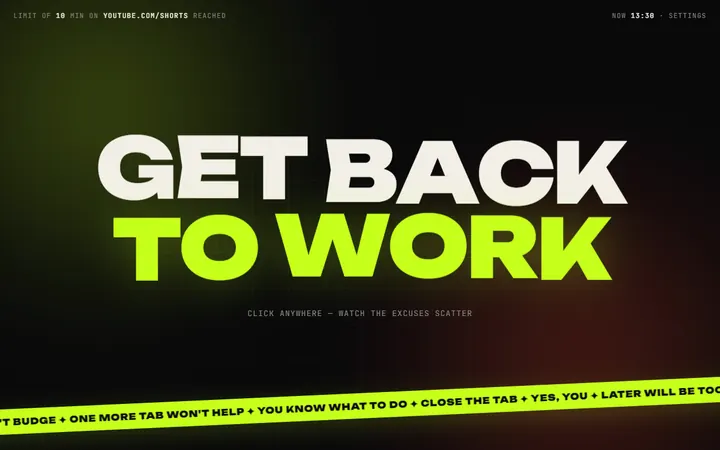
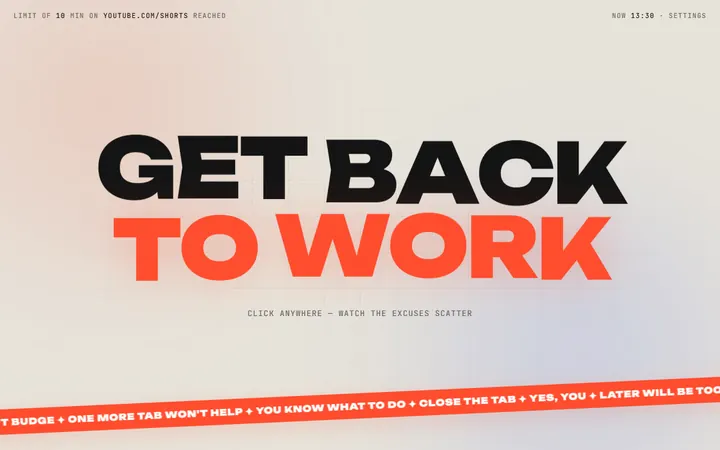
Pick a site or just part of it, like YouTube Shorts, and how many minutes a day it gets. When they run out, the feed is replaced by “Get Back to Work” until midnight — while regular YouTube with your lectures keeps working.
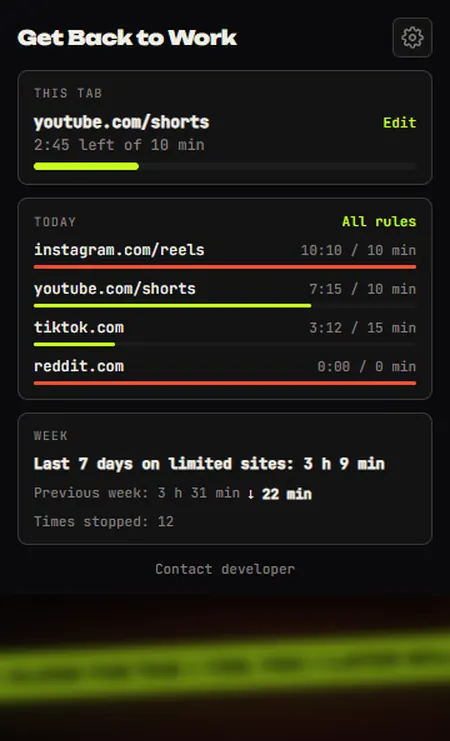
Three steps to take your feed back
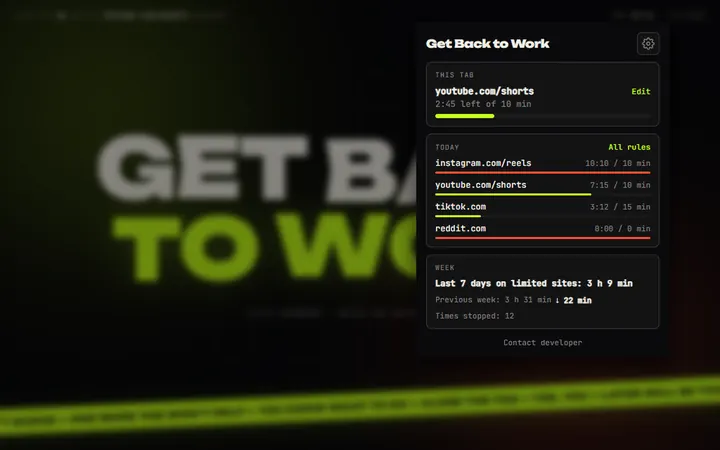

Everything you need to stop doomscrolling
One-click limits
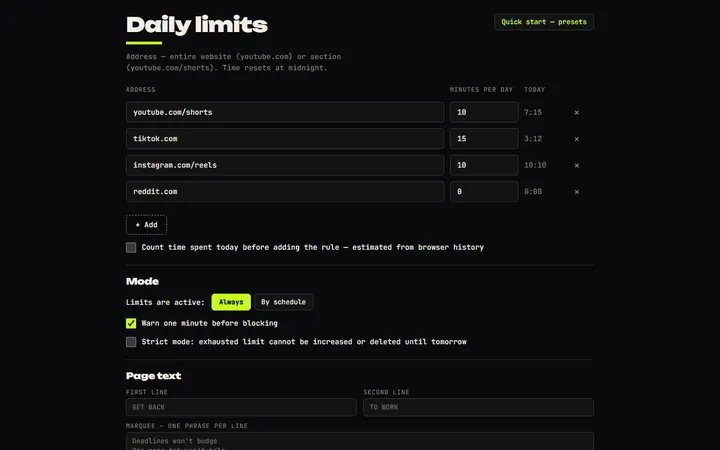
Open a site, click the icon — the whole site or just one section, and how many minutes.
Ready-made presets
Tick them on first launch.
Minutes on the icon
See what’s left. A heads-up one minute before.
Strict mode
Used it up? No raising or deleting until tomorrow.
Schedule
Limits only during work hours.
Weekly stats
Where the week went and how often you were stopped.
52 languages
Translated, with fonts for every script.
Your data stays in your browser
Nothing ever leaves your browser.
Firefox for Android
Works on your phone too.
5 themes + your colors
Stern, alarming, nocturnal, tender or paper-calm.
Five themes for every mood
The blocking page can be stern, alarming, nocturnal, tender or paper-calm. Pick a theme — and this site changes too.



Frequently asked questions
Is it really free?
Yes. No ads, no paid plans, no sign-up.
Can it see what I'm watching?
It only looks at the address of the active tab to know which limit applies — locally, on your device. It keeps only minute counters and sends nothing anywhere. The optional “count time spent earlier today” feature asks for history access only if you turn it on.
How is time counted?
Only while the tab is active and the browser window is focused. Background tabs and minimized windows don't spend minutes. Counters reset at midnight.
Can I block only YouTube Shorts?
Yes, that's the point. Add youtube.com/shorts with a 0-minute limit: Shorts disappear, regular YouTube keeps working. Same with instagram.com/reels or any other section.
What if I try to cheat?
Turn on strict mode: a used-up limit can't be raised or deleted until tomorrow. You can still remove the extension, of course — but then you know exactly what you're doing.
Which browsers does it work in?
Chrome, Edge, Opera, Firefox (including Firefox for Android) and Yandex Browser. Brave, Vivaldi and other Chromium browsers install it from the Chrome Web Store.
Install the extension, set your first limit — and see how much time you get back today.